HOW TO PLAY · GETTING STARTED
Your first minutes in Veyrlands
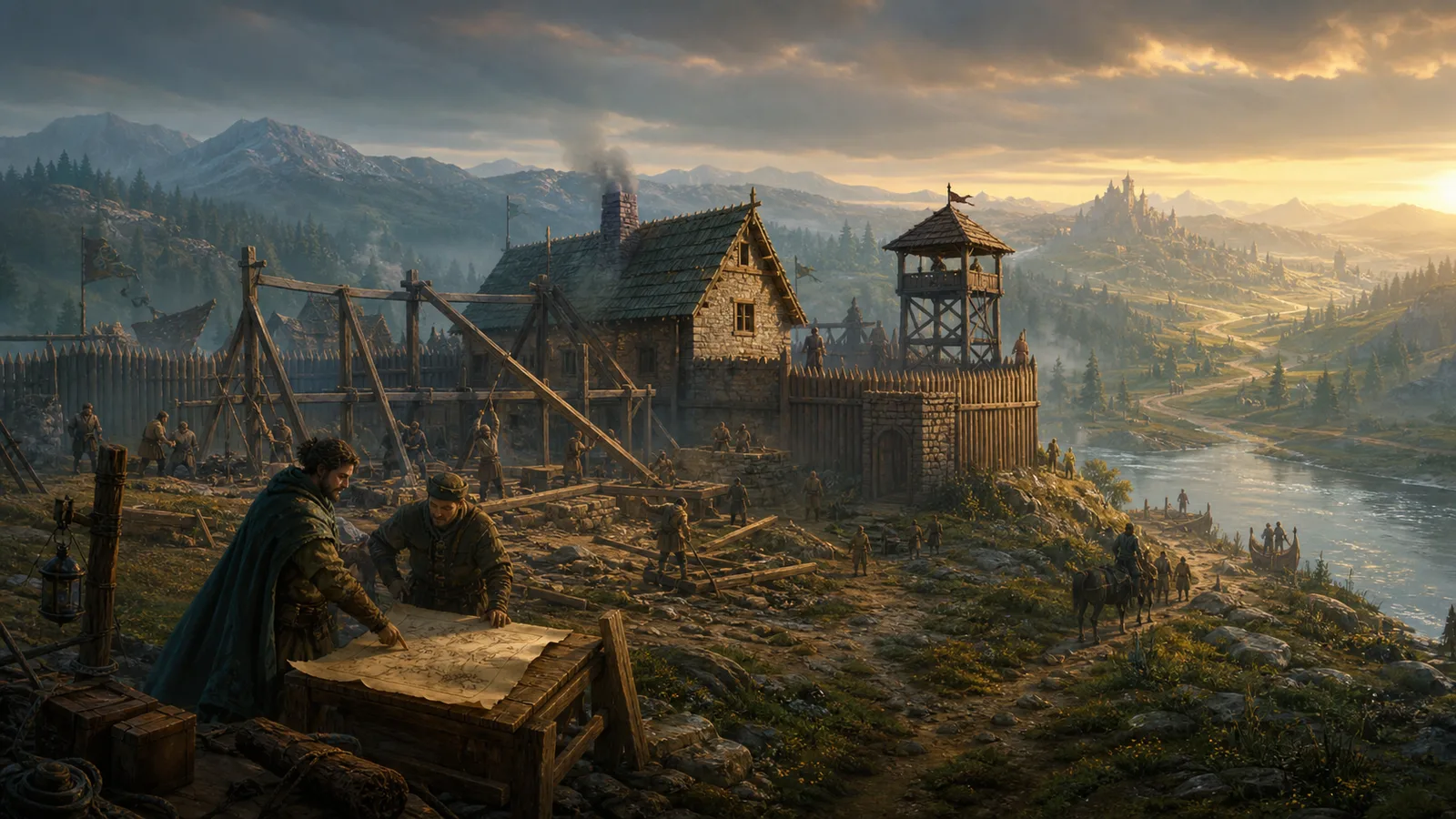
Every civilization begins as a small independent settlement inside a realm that already has its own powers, economy and history. Your first steps are simple: choose where to begin, give your civilization an identity, start building, assign your people and look beyond your borders.
Start
1 settlement
Progress
Persistent
First goal
Establish yourself
1. Create your account and choose a realm
Create your Veyrlands account
Register and sign in to reach the realm selection screen.
Choose a realm
Every realm is its own persistent world with a separate map, economy, powers and history. Your civilization exists inside the realm you choose.
Found a settlement
If you do not yet have a civilization in that realm, choose Found Settlement to begin.
FOUNDING
2. Name your civilization and first settlement
Your civilization is the larger identity you will develop over time. Your first settlement is the city where that story begins. Choose both names before selecting your starting frontier.
CIVILIZATION
Choose your civilization name
This is the identity other players and powers in the realm will come to know.
SETTLEMENT
Choose your first city name
This is the name of the settlement you are founding at the start of the realm.
FRONTIER
Choose where you begin
Each frontier is connected to a major empire and has its own regional resource bias. Your starting location therefore influences both your surroundings and your early economy.
YOUR FIRST BUILD
3. Start your first building project
Once your settlement is founded, open the Build interface and choose your first project. A Market Hall is a useful early option because cloth can be valuable during the opening phase of the game.
Projects
Queued
You can place multiple building projects in the construction queue.
Construction
Automatic
Queued projects are gradually completed over time.
Offline progress
Enabled
Construction keeps moving while you are away, as long as the required resources are available.
Resources
Required
Queued construction depends on your settlement having the materials the project needs.
WORKFORCE
4. Assign your limited population
Open Workforce to decide where your citizens work. Your population is limited, so you cannot simply fill every building to maximum capacity. Move workers toward the resources you need most, then make sure you click Confirm Assignments.
Citizens
Limited
Every worker assigned to one building is unavailable somewhere else.
Output
Adjustable
Resource production changes with the number of citizens assigned.
Final step
Confirm Assignments
Your changes are not applied until you confirm them.
Priorities
Flexible
Move workers as your construction plans and resource needs change.
EXPLORE
5. Open the World Map and send an expedition
Your settlement is only one point inside a much larger world. Switch to the World Map to see regions, major powers, events and locations that can be explored.
Sending your first expedition
Open the World Map
Switch from your city to the World Map to see the wider realm.
Choose a destination
Select an explorable location or point of interest on the map.
Choose how cautiously to travel
Decide whether the expedition should travel light, bring guards or leave well supplied.
Prepare the party
Choose how many citizens to send and select a notable leader if you want one to accompany them.
Add provisions and escort
Bring the required food and decide whether to add tools, cloth, coin or trained protection for the journey.
Dispatch the expedition
Check the party and supplies, then send the expedition into the realm.
SCOUT PARTY
Travel light
A small expedition is fast and inexpensive, but carries less strength and fewer supplies.
GUARDED PARTY
Send more protection
A larger or stronger group can be safer in hostile regions, at the cost of more citizens and provisions.
WELL SUPPLIED
Bring useful equipment
Tools, cloth and coin can improve what your expedition is prepared to handle away from home.
YOUR FIRST DECISION
6. Decide what happens to the Last Wagon
At the bottom of the settlement screen, your first major decision is already waiting: The Last Wagon. Open it and choose what your civilization does. Veyrlands uses decisions like this to turn early development into part of the realm's story rather than a fixed tutorial path.
Decision
The Last Wagon
Your first narrative choice appears immediately after founding.
Consequence
Persistent
Choices can influence how your settlement and its relationships develop.
Realm
Shared
Your civilization grows inside a world already shaped by other powers and events.
Approach
Your choice
There is no single scripted answer: decide what fits the civilization you want to build.
NEXT GUIDE
↗Workforce & Production
Learn how to distribute your limited population, adjust resource production and confirm assignments.
Learn about workforceNEXT GUIDE
↗Exploration & Expeditions
Go deeper into the world map, expedition preparation and the opportunities beyond your borders.
Learn about explorationNEXT GUIDE
↗Seasonal Effects & Realm Objectives
Check what is happening in the realm, help nearby empires and contribute to shared objectives.
Read the realm status guideYour civilization has begun.
Queue your first project, assign your workforce, send your first expedition and start making the decisions that will define your place in the realm.